What should a pest control owner do when a technician quits in peak season?
It will happen, probably in June. Here is the seventy-two hour plan for keeping the route covered and the customers calm.
The first day: secure the route, not the replacement
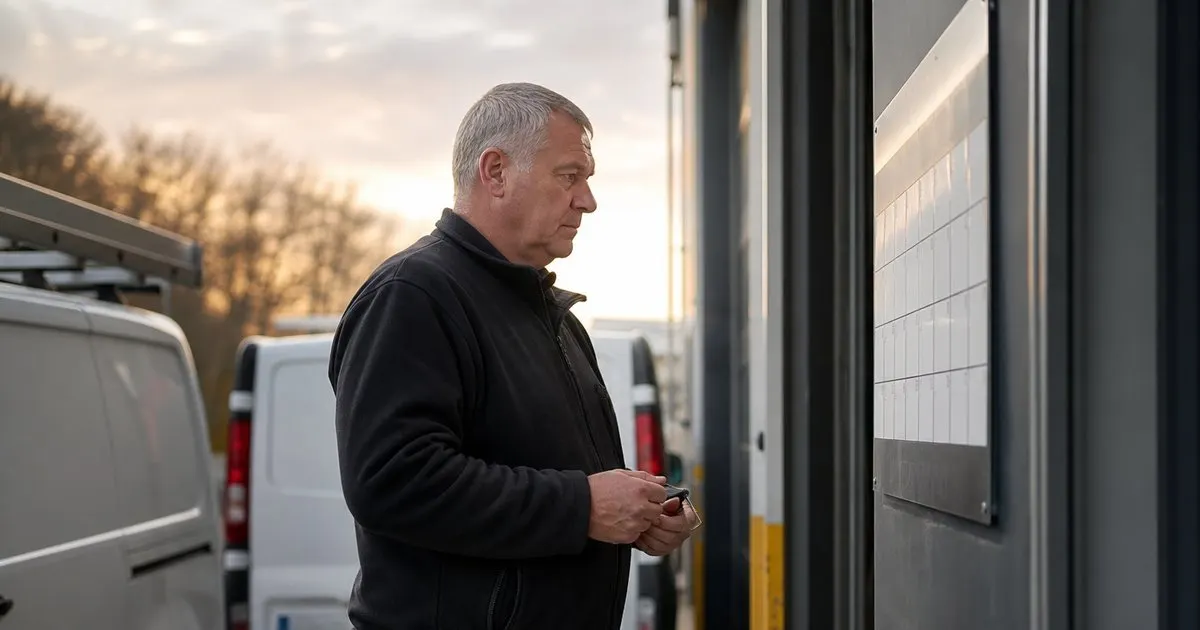
The instinct when a tech gives notice, or simply stops showing up, is to start hiring immediately. Resist it for a day. The urgent problem is not the empty seat; it is the next two weeks of scheduled stops that seat was responsible for. Print or pull up the departing tech's route for the coming ten working days and sort every stop into three groups: must happen this week (commercial contracts, active problems, initial services already sold), can slide a few days (routine quarterlies with no activity), and can slide to next cycle if absolutely necessary. Related: How do you fit same-day emergency pest calls into an already full route?
Then collect the truck, the keys, the product inventory, and every piece of documentation. If the tech was still on paper, get the tickets. If they were logging digitally, confirm the last day's stops were actually completed and recorded, because a departing employee's final day is the one most likely to have gaps. Change any shared passwords and lock the tech's software access. None of this is about distrust. It is about knowing exactly what you are covering.
Keep reading: How do you plan the most efficient pest control route for a busy day?, What is the best way to log chemical applications at every service stop?, Why does keeping a treatment history per property matter for pest control?. See how PestPatrolr helps you pest control route scheduling and treatment logging.
Days two and three: redistribute and communicate
Spread the must-happen stops across the remaining technicians by geography, adding them to whichever existing route passes closest. Extend a few days by an hour or two rather than creating a whole extra route from scratch. If you are the owner and you hold a license, this is the week you get back in a truck. Move the can-slide stops to the following week and stack them where density allows. Do not just delete them and hope; every stop that silently disappears from the schedule is a customer who will call in a month asking why nobody came. Related: What information should every pest control service report include for the customer?
Message every affected customer before they notice. A short, honest note works best: "There has been a staffing change on your route. Your service is moving from Tuesday to Friday this week. Your treatment history is on file and the technician will have it." Customers are far more understanding of a delay they were told about than one they discovered. Commercial accounts with contract dates get a phone call, not a text. Related: How do you plan the most efficient pest control route for a busy day?
Protecting the customer knowledge that just walked out
The real loss when a tech leaves is not labor. It is what they knew: which gate sticks, which customer wants a call before arrival, where the rodent activity keeps showing up at the restaurant on Fifth, which product finally worked at the house with the persistent ants. If that knowledge lived only in the tech's head, it left with them, and the replacement will spend months and several callbacks rediscovering it.
This is the strongest argument for detailed, per-property treatment histories and account notes kept in a system the company owns. A replacement tech who can read the last six visits before ringing the doorbell walks in looking competent. If your records are thin, use the departure as the reason to fix it: from this week forward, every stop gets notes good enough that a stranger could take over the route tomorrow. Because someday a stranger will. Related: What is the best way to log chemical applications at every service stop?
Hiring under pressure without hiring badly
Once the next two weeks are covered, hire. Peak season is a bad time to find licensed technicians because everyone else is looking too, so widen the search: recently retired techs willing to work a few months, people from adjacent trades who can start as an unlicensed helper while they study for the exam, and past applicants you liked but did not have room for. A helper who rides with a licensed tech and handles the physical work lets one license cover more stops than it otherwise could.
Do not skip the onboarding steps because you are short-handed. A rushed hire thrown onto a full route with no ride-alongs is the fastest way to turn one departure into a summer of callbacks and a second departure. Keep the new person on a reduced route with a mentor for at least two weeks, review their logs daily, and let the route grow as their callback rate proves out. It feels slow. It is faster than doing it twice.
- Spend the first day triaging the departed tech's next ten days of stops, not posting a job ad.
- Redistribute must-happen stops by geography and slide routine ones, then message every affected customer.
- Treat the departure as proof that property histories and notes must live in company records, not in a tech's head.
- Hire with a wider net, including helpers and part-timers, but do not shortcut onboarding.

Julien Jimenez
Julien Jimenez is an independent software builder based in Paris. He designs, ships, and operates focused SaaS products for small businesses and independent professionals. Read the full author page.
Route Every Tech, Log Every Treatment
Pest control route scheduling and treatment logging. PestPatrolr is built to help you put this into practice.
Start free trialMore from the PestPatrolr blog
How do you plan the most efficient pest control route for a busy day?
What is the best way to log chemical applications at every service stop?
Why does keeping a treatment history per property matter for pest control?
Get the PestPatrolr playbook
Practical guides on pest control software, straight to your inbox as we publish them. No spam, unsubscribe any time.