What information should every pest control service report include for the customer?
The elements of a clear service report that reassures customers and reduces callbacks and confusion.
Include the date, technician, areas inspected and treated, pests found, products applied with target sites, and any conducive conditions noted. Add clear recommendations, preparation steps for next time, and the next scheduled visit. A plain, readable summary reassures the customer and heads off confusion and callbacks.

What you found
A good service report starts with observations. What pest activity did you see, where, and how severe. This shows the customer you actually inspected rather than just sprayed, and it gives them a baseline they can compare against next visit. Findings turn an invisible service into something concrete. Related: How do you plan the most efficient pest control route for a busy day?
Being specific here also protects you. Noting a moisture issue under the sink or a gap around a door frame documents a conducive condition, and if the customer never fixes it, your report shows you flagged it.
Keep reading: How do you plan the most efficient pest control route for a busy day?, What is the best way to log chemical applications at every service stop?, Why does keeping a treatment history per property matter for pest control?. See how PestPatrolr helps you pest control route scheduling and treatment logging.
What you did
The report should describe the treatment plainly: the areas serviced, the type of treatment, and the products used at a level the customer can understand. They do not need a chemistry lecture, but they should know their kitchen was baited and their perimeter was treated. Vagueness invites the phone call asking what you actually did. Related: What is the best way to get customers to prep their home before a treatment?
This section is also where transparency builds trust. A customer who can see exactly what was treated feels they got their money's worth, which is the foundation of a renewal.
What they should do next
Many treatments require the customer to do something: keep pets off a treated area for a period, avoid mopping a baited zone, or fix a leak that is feeding the problem. Spelling out these steps improves results and heads off the callback that happens when the customer unknowingly undoes your work. Related: Which pests require the most frequent recurring treatments in residential homes?
Recommendations belong here too. If you think a tighter interval or an exclusion repair is needed, put it in writing so the decision, and the responsibility, sits clearly with the customer.
What comes next and how to reach you
Close the report with the next scheduled visit and a clear way to reach you if activity returns before then. Knowing the callback is covered and easy to request is a big part of why customers stay on a plan. Leaving that unstated makes them feel abandoned between visits.
PestPatrolr pulls the findings, products, and treated areas from the stop's log and keeps them on the property timeline, so producing a clear, consistent service report for the customer is a natural byproduct of logging the visit. Related: What is the best way to log chemical applications at every service stop?
- State what you found during the inspection.
- Describe the treatment and products in plain terms.
- Give the customer clear next steps to follow.
- Include the next visit and how to reach you.

Julien Jimenez
Julien Jimenez is an independent software builder based in Paris. He designs, ships, and operates focused SaaS products for small businesses and independent professionals. Read the full author page.
Frequently asked questions
Should the report list the specific products used?
Yes. Naming the product and target site gives customers a record for their own files, supports any safety questions from households with children or pets, and demonstrates that the visit was thorough.
How detailed should recommendations be?
Specific and actionable. Rather than a vague note to reduce moisture, point to the exact spot, like a leaking hose bib or a cluttered garage corner, so the customer knows precisely what to fix before the next visit.
Route Every Tech, Log Every Treatment
Pest control route scheduling and treatment logging. PestPatrolr is built to help you put this into practice.
Start free trialMore from the PestPatrolr blog
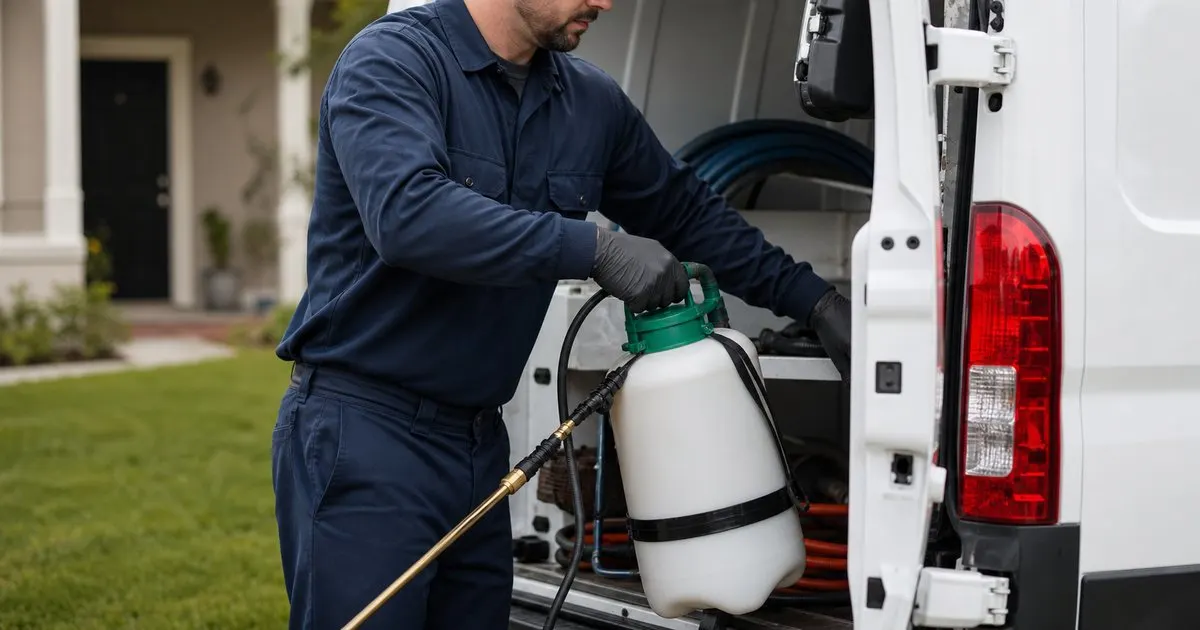
How do you plan the most efficient pest control route for a busy day?
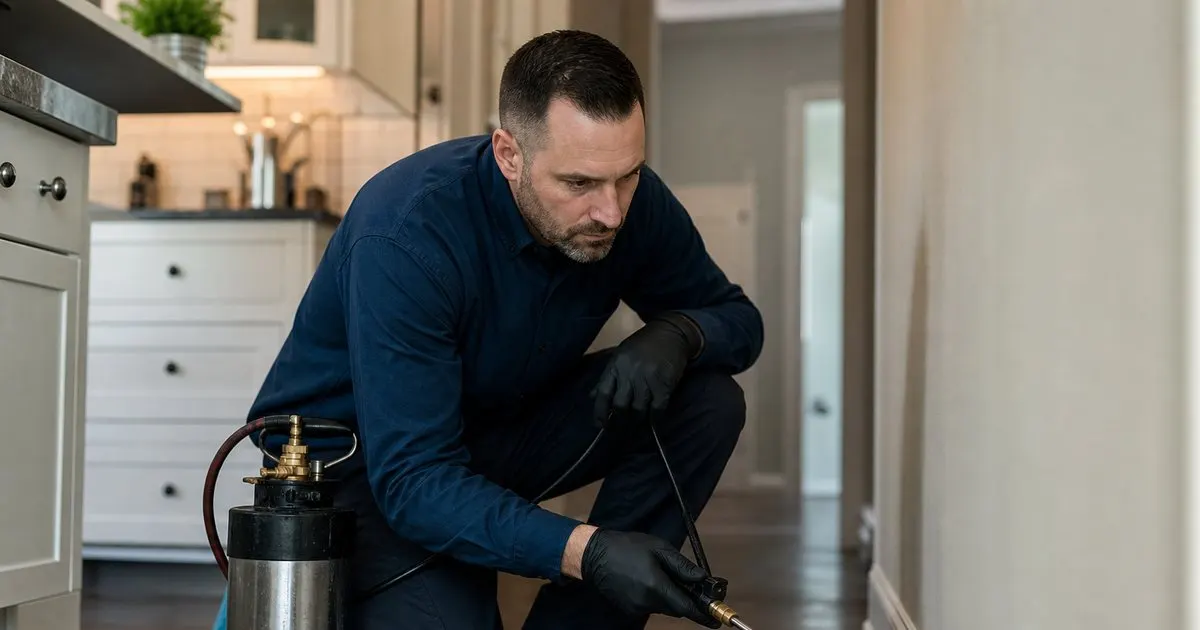
What is the best way to log chemical applications at every service stop?
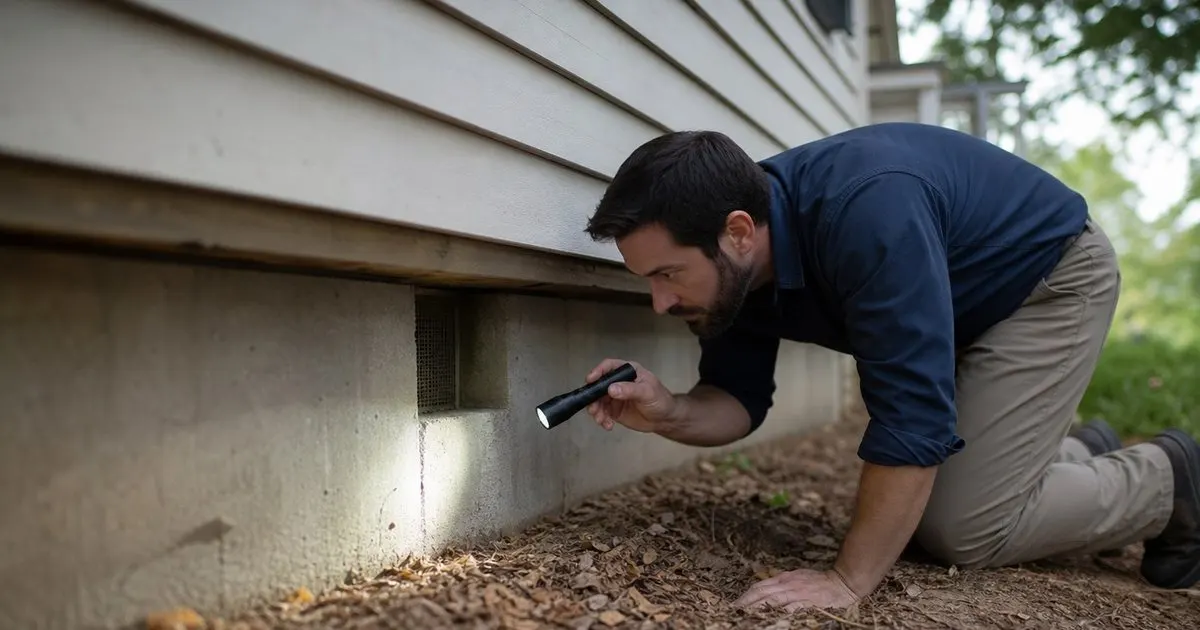
Why does keeping a treatment history per property matter for pest control?
Get the PestPatrolr playbook
Practical guides on pest control software, straight to your inbox as we publish them. No spam, unsubscribe any time.