What is the best way to log chemical applications at every service stop?
How to capture product, rate, and target pest at the stop so your records stay accurate and defensible.
Record the product name, EPA registration number, mixed rate or concentration, amount applied, target pest, and treatment location while you are still on site. Capturing it at the stop, not from memory later, keeps entries accurate. A mobile form with saved product presets makes this fast and consistent.
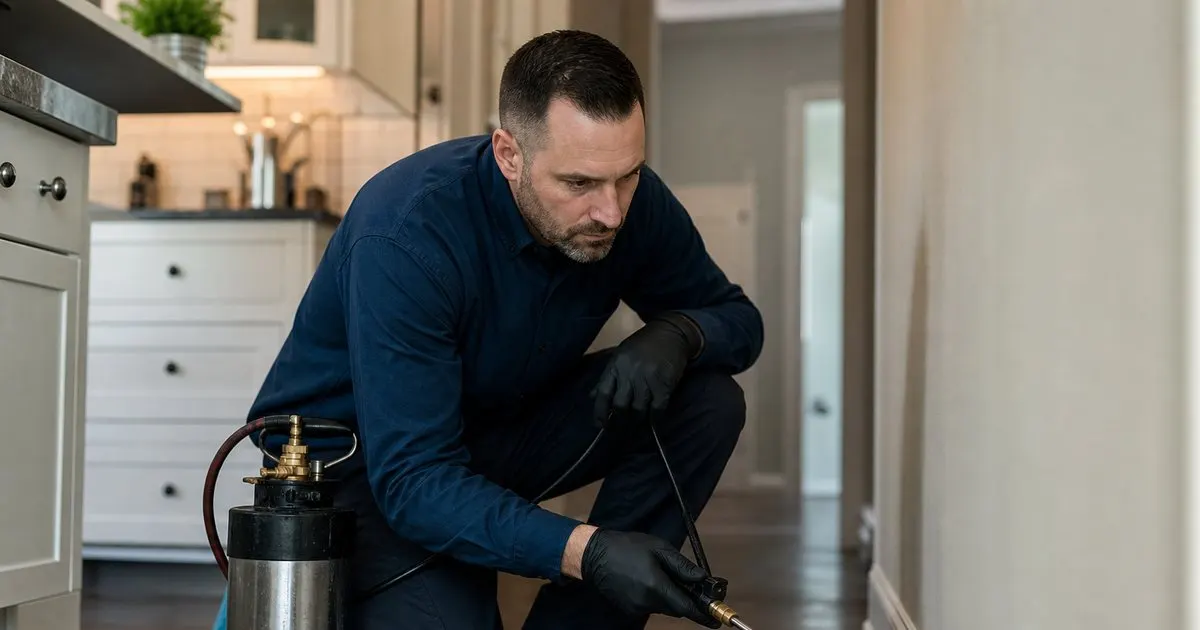
Log at the stop, not at the end of the day
Memory is the enemy of accurate records. A tech who waits until the truck to write down eight stops will blur the products and rates together. The only reliable moment to record an application is right after you make it, while the product, the dilution, and the areas treated are still in front of you.
A quick mobile entry at the tailgate takes under a minute and captures the truth of what happened. That habit is what separates a record you can stand behind from a guess you reconstructed hours later.
Keep reading: How do you plan the most efficient pest control route for a busy day?, Why does keeping a treatment history per property matter for pest control?, When should you schedule recurring pest control visits for the best results?. See how PestPatrolr helps you pest control route scheduling and treatment logging.
Capture the fields that matter
A useful application record names the product, its EPA registration number, the target pest, the amount or concentration used, and the areas treated. Those are the details a customer, a manager, or a state inspector will ask about, and they are the details that vanish fastest from memory. Related: What should a pest control technician do when a customer reports a reinfestation?
Standardize the entry so every tech logs the same fields the same way. When one tech writes 'sprayed out back' and another logs the product and rate, your records are only as good as your weakest entry. A consistent form removes the guesswork.
Keep the record tied to the property
An application log is far more valuable when it lives on the property's timeline rather than in a daily pile. When a customer calls about a reaction or a reinfestation, you want to open that address and see exactly what was applied last visit without digging through a stack of route sheets. Related: How do you fit same-day emergency pest calls into an already full route?
Tying the record to the property also builds a picture over time. You can see that a house has needed the same treatment three quarters running, which tells you the problem is not being solved and the approach should change. Related: Why does keeping a treatment history per property matter for pest control?
Make the record easy to produce
Records only help if you can find them. When an inspector or an attorney asks for the history on an address, a searchable digital log turns a stressful afternoon into a two minute export. A shoebox of paper turns it into a liability.
PestPatrolr captures the product, registration number, target pest, and rate at each stop and files it on the property, so every application is logged the moment it happens and ready to produce whenever you need it. Related: What information should every pest control service report include for the customer?
- Record every application at the stop, not later.
- Always capture product, registration, target pest, and rate.
- File the log on the property's timeline.
- Keep records searchable so you can produce them fast.

Julien Jimenez
Julien Jimenez is an independent software builder based in Paris. He designs, ships, and operates focused SaaS products for small businesses and independent professionals. Read the full author page.
Frequently asked questions
What is the most common mistake when logging applications?
Waiting until the end of the day and reconstructing details from memory. That leads to guessed rates and missing target pests. Log each stop before you drive to the next one so the record matches what actually happened.
Should you log weather at the time of application?
Yes, noting temperature, wind, and conditions is good practice, especially for outdoor applications. It supports label compliance around drift and helps explain results if a treatment underperforms.
Route Every Tech, Log Every Treatment
Pest control route scheduling and treatment logging. PestPatrolr is built to help you put this into practice.
Start free trialMore from the PestPatrolr blog
How do you plan the most efficient pest control route for a busy day?
Why does keeping a treatment history per property matter for pest control?
When should you schedule recurring pest control visits for the best results?
Get the PestPatrolr playbook
Practical guides on pest control software, straight to your inbox as we publish them. No spam, unsubscribe any time.