When should a small pest control operator switch from paper logs to digital records?
Paper works until it does not. Here are the signals that tell you the moment has arrived, and how to make the switch without losing a season.
The honest case for staying on paper
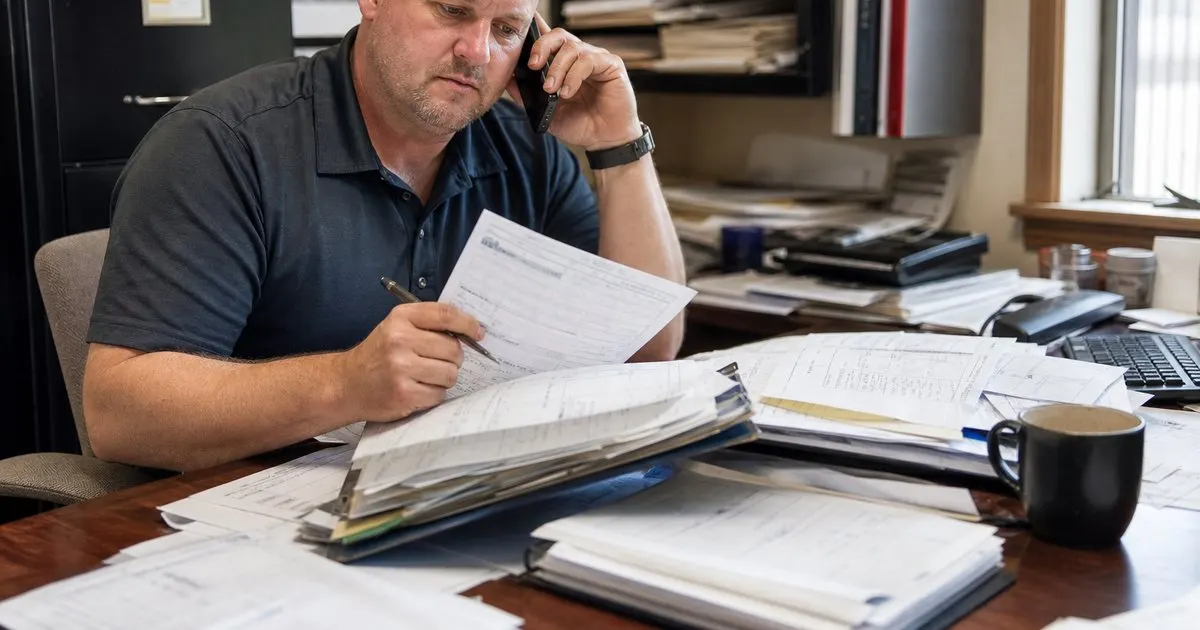
Plenty of one-truck operators run well on paper for years. A carbon-copy service ticket, a binder per year, and a box in the closet meet most state record retention rules as long as the entries are complete and legible. If you have one technician, a hundred or so accounts, and you personally remember every property, the overhead of switching may not be worth it yet. There is no prize for digitizing early. Related: How do you plan the most efficient pest control route for a busy day?
What paper cannot do is scale or search. The moment you need to answer "which customers got product X applied in the last ninety days" or "what did we do at the Miller house the visit before last," paper turns into an evening of flipping pages. The question is not whether digital is better in the abstract. It is when the cost of those evenings starts exceeding the cost of the tool and the learning curve.
Keep reading: How do you plan the most efficient pest control route for a busy day?, What is the best way to log chemical applications at every service stop?, Why does keeping a treatment history per property matter for pest control?. See how PestPatrolr helps you pest control route scheduling and treatment logging.
Five signals the switch is overdue
The first signal is a second technician. Once two people are writing tickets, the binder is in the wrong truck half the time and the office is reconciling two handwriting styles. The second is a regulatory inquiry or an audit where you spent hours reconstructing what was applied where. The third is a callback where the tech arrived with no idea what had been done previously because the ticket was still in a stack on your desk. Related: What should a pest control technician do when a customer reports a reinfestation?
The fourth signal is billing lag. If invoices go out a week or more after service because tickets have to be collected, deciphered, and keyed in, you are financing your customers for free and chasing payments that should have been automatic. The fifth is simply the number of accounts. Somewhere in the low hundreds, most owners stop being able to hold the route in their head, and the system that replaces memory needs to be more reliable than a filing cabinet.
How to switch without losing a season
Do not switch in the middle of your busiest month. Pick the slowest stretch of the year, often late fall or winter in most of the country, and plan for a transition of four to six weeks. Start by entering your active customer list and their service schedules, not the historical treatments. Trying to key in five years of paper history before going live is the most common reason small operators abandon the project halfway. Bring history forward only for the accounts where it matters: commercial contracts, termite work, and any property with a recent problem. Related: Why does keeping a treatment history per property matter for pest control?
Run paper and digital in parallel for the first two weeks. Technicians fill out the digital log in the field and the paper ticket stays as a backup. At the end of each day, compare. What is missing from the digital entries tells you what the tech does not yet understand about the form, and it is much better to learn that in a parallel period than to discover a gap during an inspection. When the digital records have been complete and accurate for two straight weeks, retire the paper.
What to require from the tool before you commit
A digital log is only useful if it captures what the law and your customers need, every time, without the technician having to remember. Look for required fields that cannot be skipped: applicator name and license number, date and time, address, target pest, product name and registration number, amount or rate, application site, and weather where applicable. The tool should work offline, because rural routes and basements do not have signal, and sync when the truck gets back into coverage.
Beyond compliance, ask what the tool does with the data. Can you pull every application of a given product in a date range in seconds? Does the technician see the property's history before getting out of the truck? Does the log feed the invoice automatically so billing happens the same day? Those are the features that pay back the switch. PestPatrolr was built around exactly that loop, log the stop, see the history, bill the visit, but the principle holds no matter what you choose: if the tool does not save you time on the day after the visit, it is just a more expensive binder. Related: What is the best way to log chemical applications at every service stop?
- Paper is fine for a one-truck operation with a memorable route; there is no prize for digitizing early.
- A second technician, an audit scramble, uninformed callbacks, billing lag, or a few hundred accounts are the signals to switch.
- Transition in the slow season, bring forward only the history that matters, and run parallel for two weeks.
- Require offline logging, mandatory compliance fields, fast search, and a direct link from log to invoice.

Julien Jimenez
Julien Jimenez is an independent software builder based in Paris. He designs, ships, and operates focused SaaS products for small businesses and independent professionals. Read the full author page.
Route Every Tech, Log Every Treatment
Pest control route scheduling and treatment logging. PestPatrolr is built to help you put this into practice.
Start free trialMore from the PestPatrolr blog
How do you plan the most efficient pest control route for a busy day?
What is the best way to log chemical applications at every service stop?
Why does keeping a treatment history per property matter for pest control?
Get the PestPatrolr playbook
Practical guides on pest control software, straight to your inbox as we publish them. No spam, unsubscribe any time.